
JUN JIE CO., LTD. · Barcode equipment, RFID and system integration02-2886-6633 · sales@junji.com.tw
English

CipherLabCipherLab

3 models
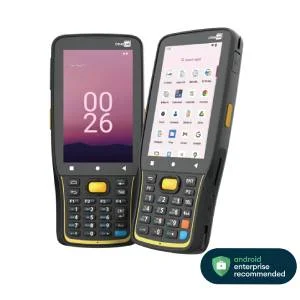
CipherLab RK26
CipherLab · Wi-Fi 6 rugged keypad mobile computer

RK26

25/28-key numeric keypad for one-handed operation; Qualcomm 4290, 4GB/64GB, 16MP camera

Operating system
Android 12 (GMS), upgradable to Android 14
Display
4-inch WVGA 480×800, 500 nits
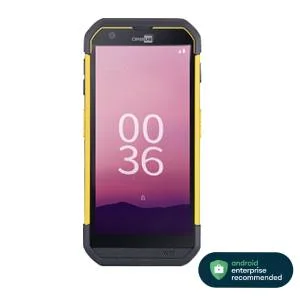
CipherLab RS36
CipherLab · Android rugged touch mobile computer

RS36

Qualcomm 4290, 4GB/64GB, AER/GMS certified; the front camera can scan barcodes

Operating system
Android 12 or 14 (GMS), upgradable to Android 14/16
Display
5.5-inch HD+ 720×1440, 630 nits, glove/wet-finger operation supported
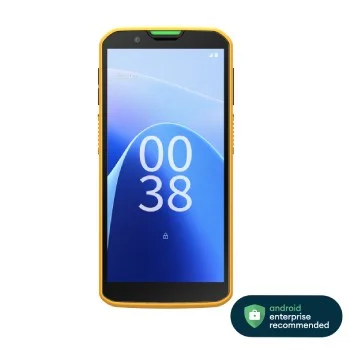
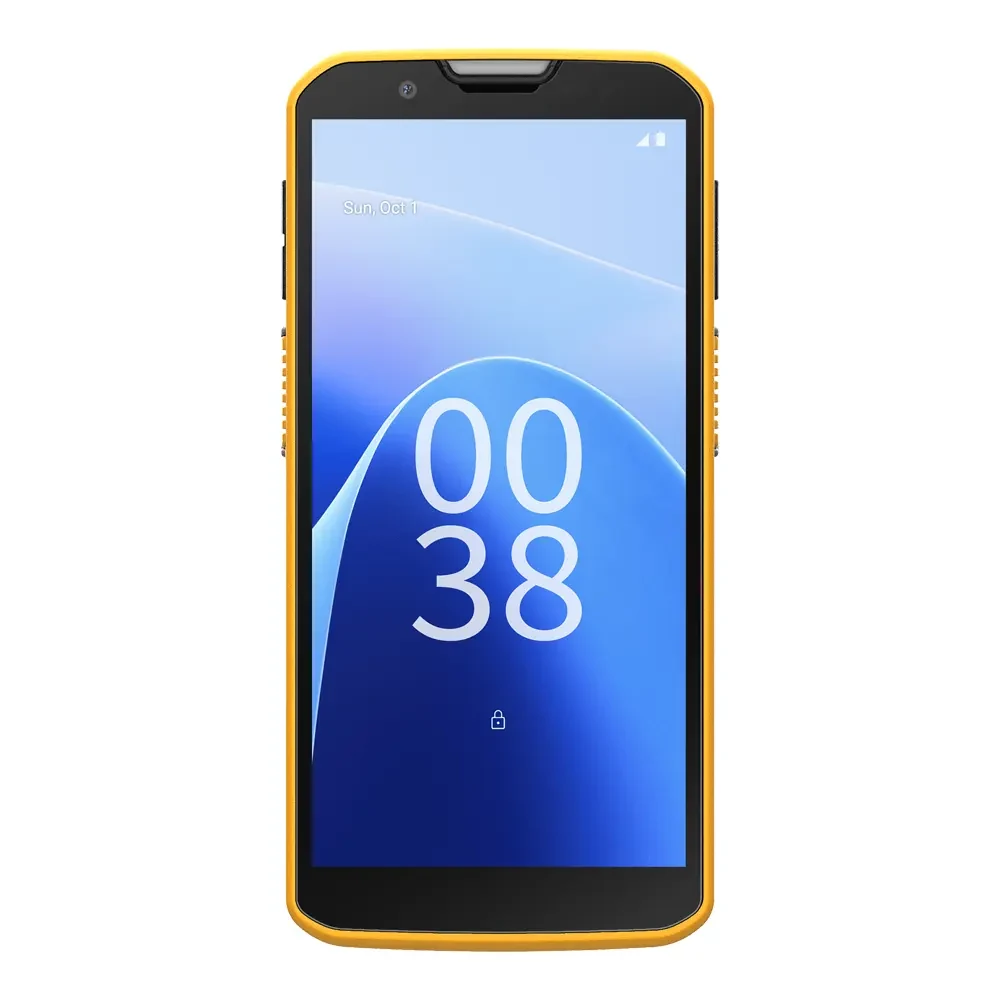
CipherLab RS38
CipherLab · 5G Android touch mobile computer

RS38

Qualcomm QCM4490, 8GB/128GB; supports CBRS private networks; 16MP PDAF camera and built-in OCR

Operating system
Android 13 (GMS), upgradable to Android 15
Display
6-inch FHD+ 1080×2160, 630 nits, glove/wet-finger operation supported
Specifications are compiled from manufacturer data; the specification data provided by the manufacturer prevails.

Beyond supplying equipment, we also connect it to your systems

See how system integration works →
  1. 1Equipment selection

    We select a suitable printer, scanner, mobile computer or RFID device based on your labels, barcodes, environment and volume.

  2. 2Fit to your workflow

    Label formats, scan steps and operating screens are set up to match the shop-floor workflow, with a trial run in one area first.

  3. 3Connect to ERP / API

    Print and scan data flows into your existing ERP, WMS or e-commerce platform through an interface or API, with no need to replace your system.

FAQ

Can we install our own app or system on the PDA?

Android mobile computers can run in-house or third-party apps. Features such as enterprise management and screen lock-down depend on the model.

We already have an ERP system. Can you connect to it?

In most cases yes, through an interface, but it depends on the ERP version and how open it is. During the on-site assessment we look at your ERP with you and confirm how data goes in and comes out.

Can scanners or PDA devices be used in freezers and low-temperature environments?

Choose a model that the manufacturer rates for low-temperature use, and watch for condensation when moving in and out of the freezer. When selecting, tell us the operating temperature and how often staff go in and out.

Our shop-floor staff are not comfortable with computers. Will they be able to learn it?

Operating screens are designed around the shop-floor workflow so that, wherever possible, a task is completed with one scan and one tap. We also work through the actual operation with staff on site until they are comfortable with it.

How long is the warranty?

It varies by brand and model. The quotation states the warranty coverage and period.

Not sure which mobile computer to use?

Tell us about your site environment, what barcodes or tags you need to read and from how far, and we will help you select a model.

Contact us →
Test site · content under review