
Connect scanning to your management workflow

WMS warehouse management, receiving and work orders in factories, put-away and picking in warehouses, outbound sorting in logistics, price labeling and stocktaking in stores, and item management in hospitals and hotels. Barcodes or RFID replace handwritten records, and the data flows into your existing ERP, WMS or e-commerce platform through an interface or API, starting with one area.
First, check whether you have any of these problems
If even one of them applies, it is worth talking to us.
Receiving, shipping and material issues are all written down by hand, then keyed into the system one entry at a time. One wrong digit, and the books no longer match the physical stock.
In warehouses and stores, items are turned over one by one and boxes counted one by one. A count takes a day or two while operations wait, and the numbers still may not be accurate.
Labels are selected and applied by hand, and items are found by hand. When one label is wrong or one item is mispicked, you only find out from the customer complaint, and cannot tell which step went wrong.
To know where a given lot, device or spare part is now and whose hands it has passed through, you have to go through paper records and ask several people.
Shipment checking: follow the data
From shipment lists to scan results, confirm data sources, checking rules and return interfaces.
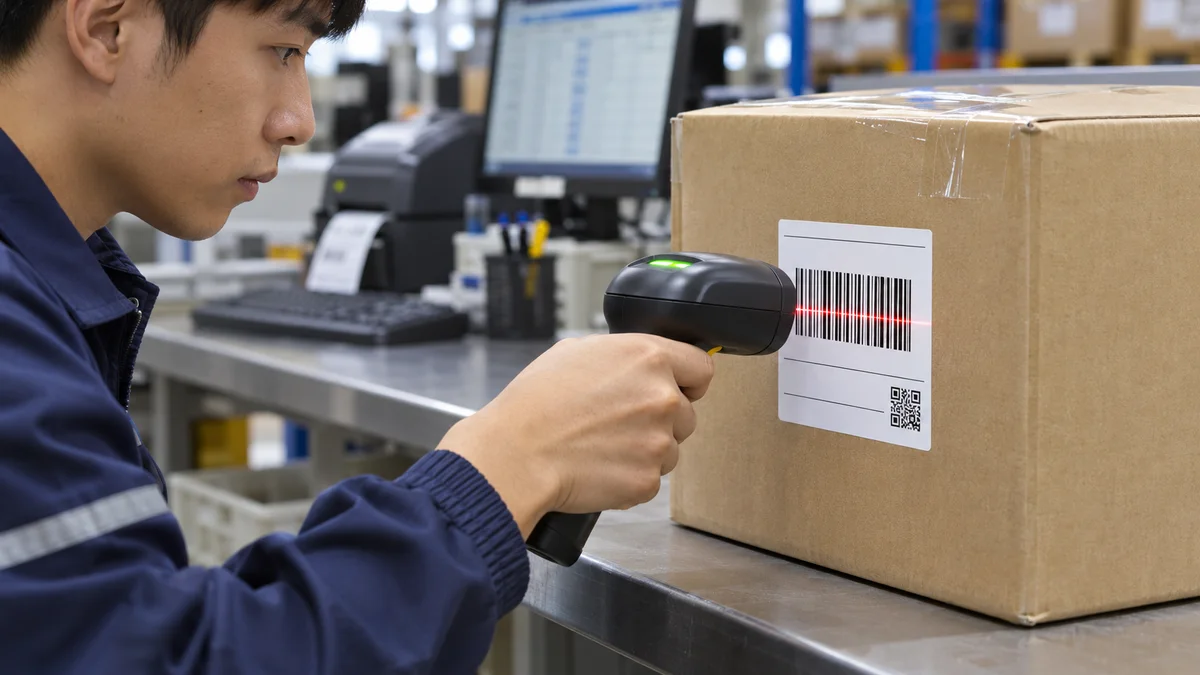
- Get the work list
Orders, products or asset data
- Scan and check on site
Scan items and record quantities
- Flag discrepancies immediately
Review mismatched items before proceeding
- Return completed results
Keep operator, time and operation records
Features and interfaces are confirmed against the site workflow and project scope.
Prepare these three things for assessment
- Current workflow and common problems
- Sample order or product data and system name
- User count, device models and site network
How we solve it
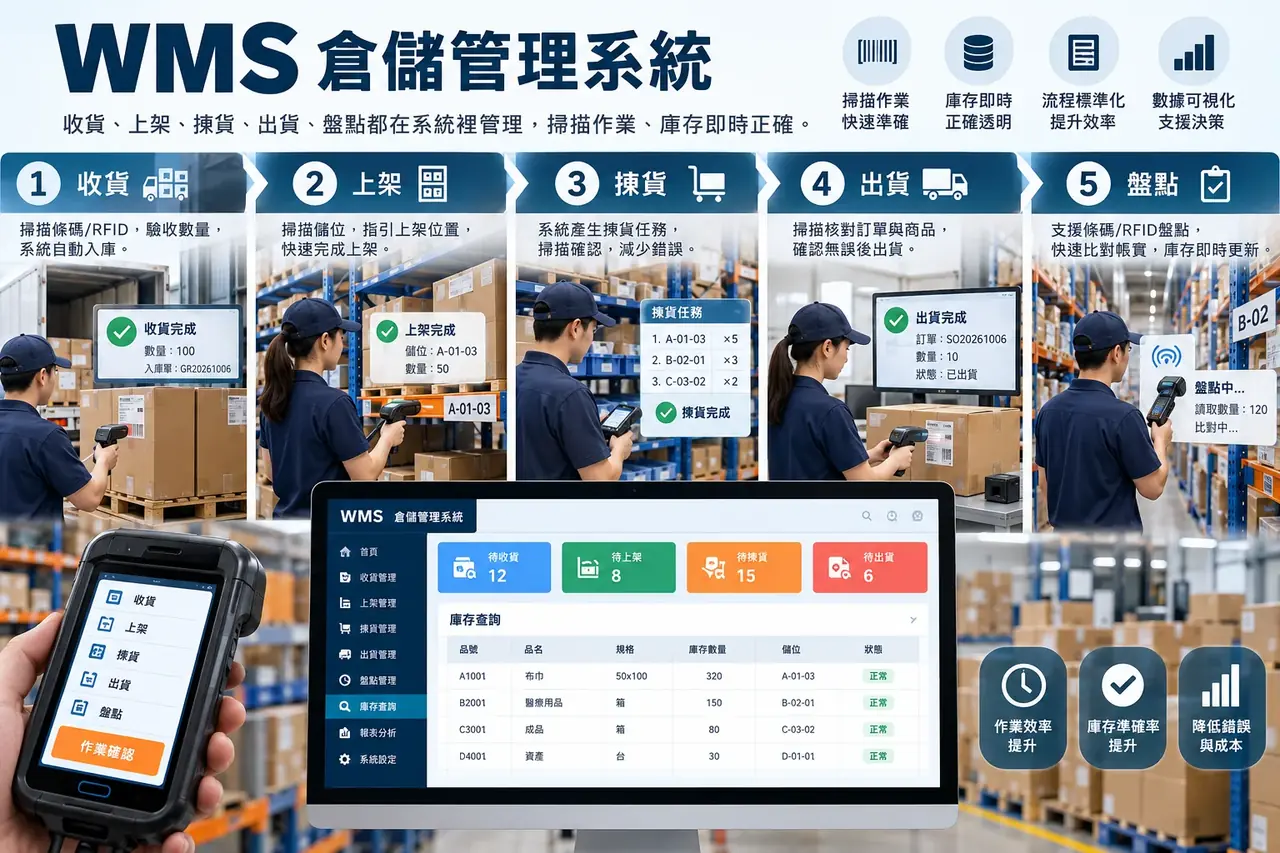
WMS warehouse management system
Record receiving, putaway, picking, shipping and counts by scanning; update stock according to workflow rules.
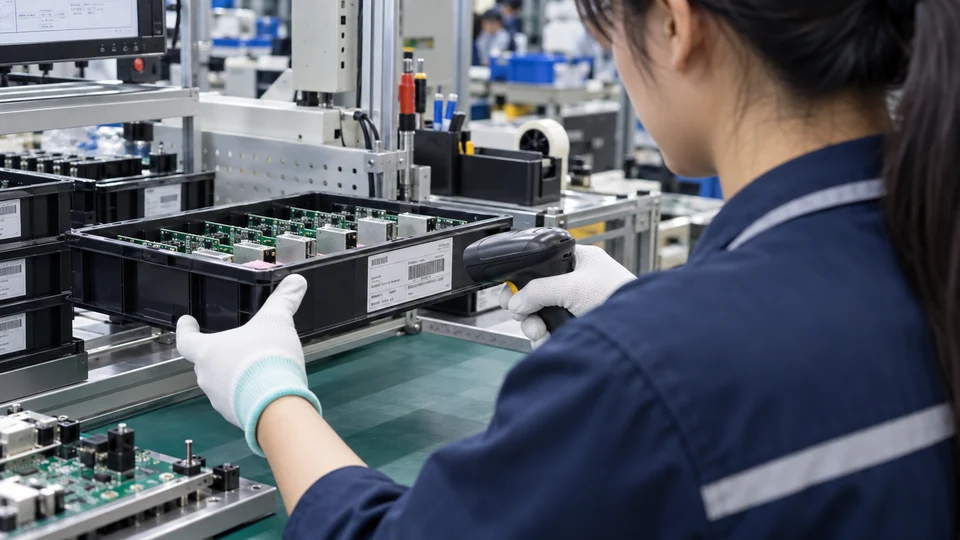
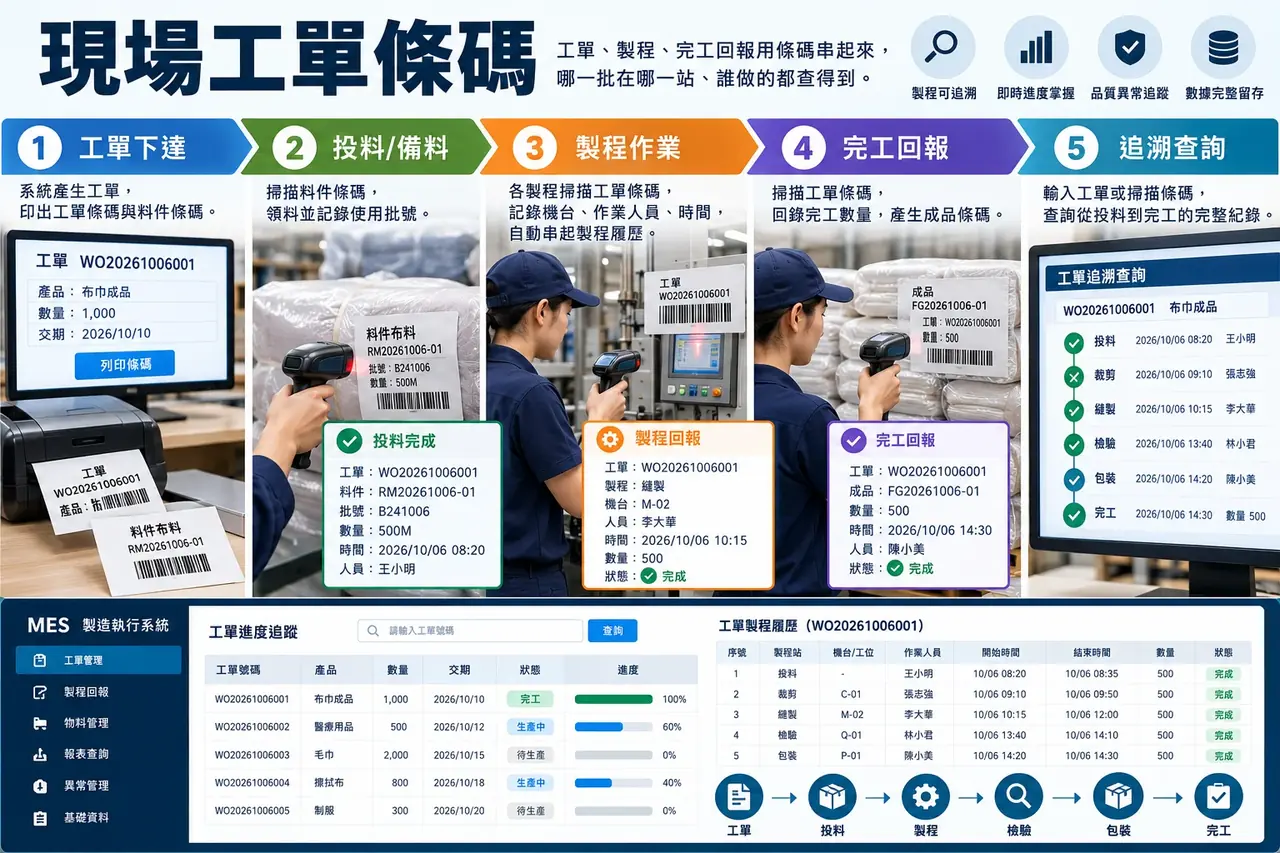
Shop-floor work order barcodes
Work orders, process steps and completion reporting are linked by barcode, so you can look up which batch is at which station and who did the work.
RFID inventory counts
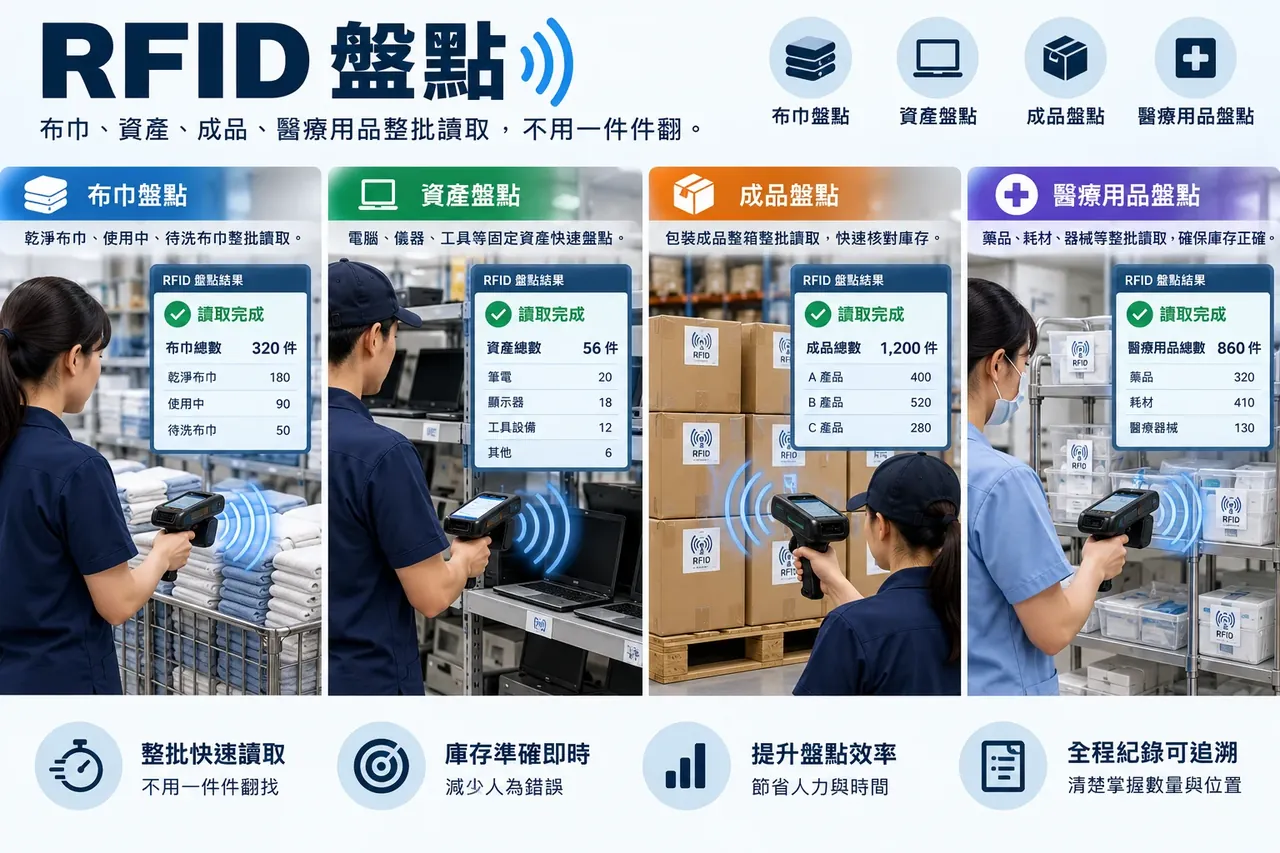
Linen, assets, finished goods and medical supplies are read in bulk, with no need to handle them one by one.

ERP / API integration
Assess ERP, warehouse or e-commerce interfaces to connect orders, printing and scan results.
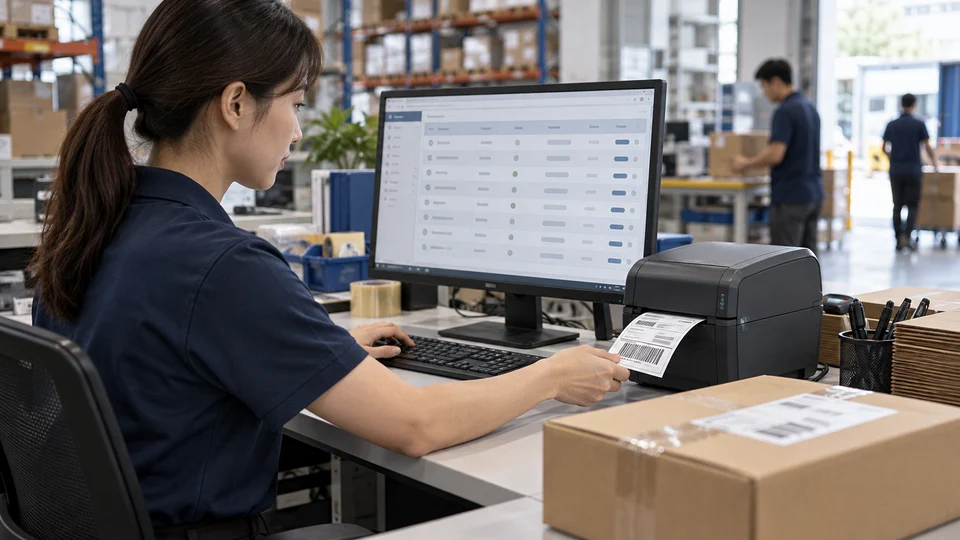
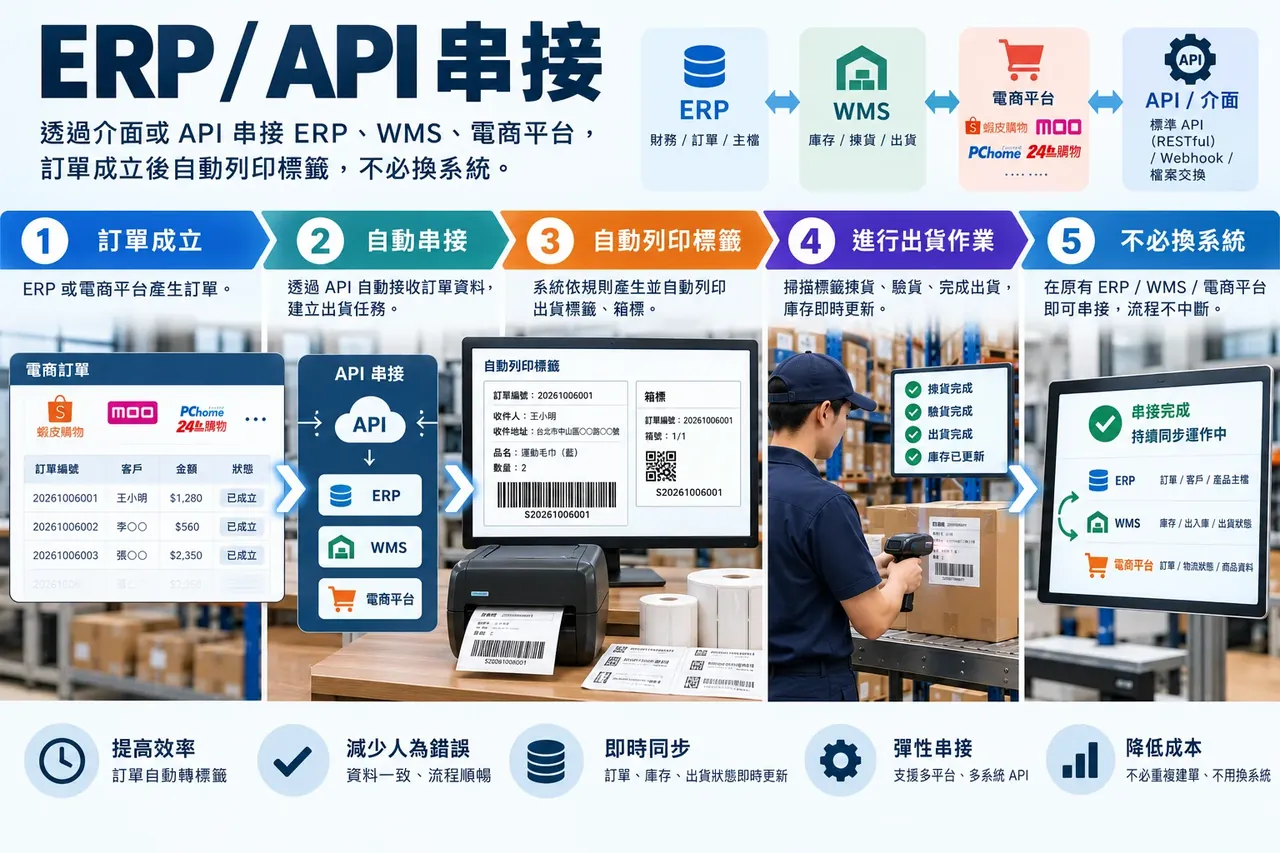
Illustrations show the workflow only; actual screens and functions depend on each project.
Implementation process
Four stages, from understanding your requirements to support after go-live.
- Requirements reviewWe first learn about your site and the problems you want to solve by phone or video call. Once we confirm that implementation is suitable, we arrange a site visit.
- On-site assessmentWe walk through the site to understand the actual workflow and your existing labels, equipment and systems, then submit a proposal: which part to do first, what equipment is needed, and the estimated cost and schedule.
- Setup and trainingOnce the equipment, labels and workflows are set up, the new process first runs in one area in parallel with the existing method. Shop-floor staff practice the actual operation until they are comfortable with it, and we leave a set of operating instructions for new staff.
- Support after go-liveConsumables supply, and system and process adjustments. If questions come up in use, the same team assists you.
FAQ
What is the difference between WMS and ERP? Do we need a WMS?
ERP manages accounting and orders; WMS manages the warehouse floor: which storage location each item is in, who picked it and when it shipped. With many items, many storage locations and frequent shipments, a WMS keeps system inventory consistent with the floor. For smaller operations, barcodes plus ERP can come first, with an upgrade later.
We already have an ERP system. Can you connect to it?
In most cases yes, through an interface, but it depends on the ERP version and how open it is. During the on-site assessment we look at your ERP with you and confirm how data goes in and comes out.
Can our system use an API to print labels directly and receive scan data?
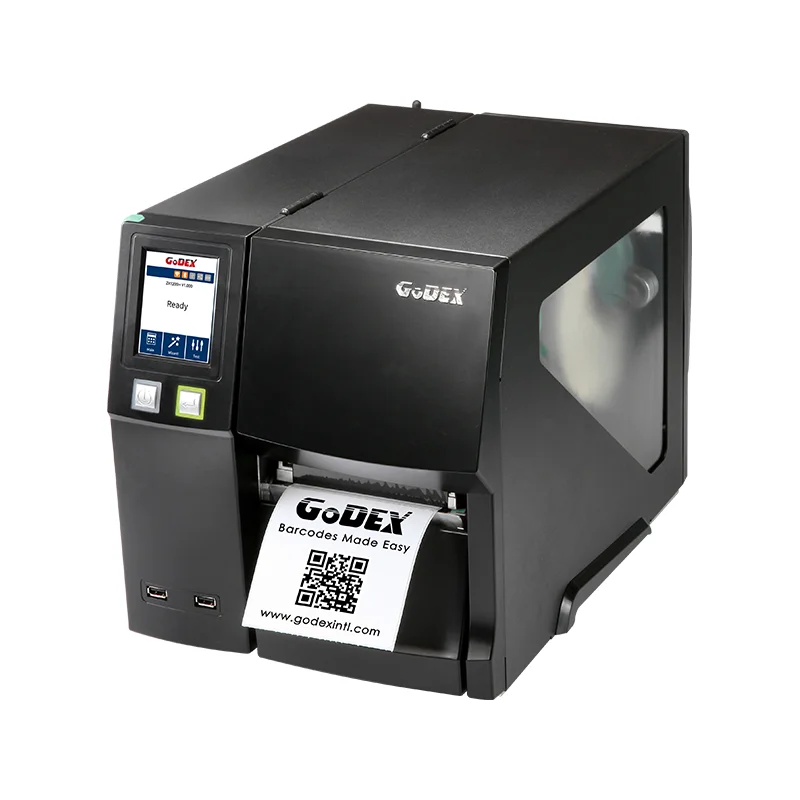
Yes. Most industrial printers support network printing and common printer languages, so your system can send label data directly through an API or a print service; scan and inventory count results can also be sent back to your system. It depends on what formats your system can send and receive, which we confirm together during the on-site assessment.
Do we have to implement the whole package? Can we start with one stage?
Yes, you can. We usually start with the stage that causes the most trouble, such as receiving or shipping, and extend to the next stage once it is running smoothly.
About how long does a system implementation take?
It depends on the scope. A single process (for example, receiving or shipping) is usually counted in weeks; multiple processes plus system integration are counted in months. After the on-site assessment we provide a schedule.
How is the cost calculated?
Equipment, label supplies, software and implementation services are quoted as separate items, so you can see every one. The cost is calculated from the quantities and scope at your site; it is not a package price.
Will shop-floor operations be disrupted during implementation?
The new process first runs in one area in parallel with the old method. We switch over once the data matches, rather than changing everything at once.
Our shop-floor staff are not comfortable with computers. Will they be able to learn it?
Operating screens are designed around the shop-floor workflow so that, wherever possible, a task is completed with one scan and one tap. We also work through the actual operation with staff on site until they are comfortable with it.
Is the data kept in the cloud or on our own premises?
We plan according to your IT policy: data can be kept on in-house servers or in the cloud. Network, access rights and backup are considered together.
Who do we contact if there is a problem after go-live?
The same team supports you: you can come to us for process adjustments, label changes, and questions about equipment and consumables.
Understand the need first, then discuss the system
First tell us about your site and the process you want to improve. Once we confirm that implementation is suitable, we arrange an on-site assessment and submit a proposal.
Ask about system implementation →