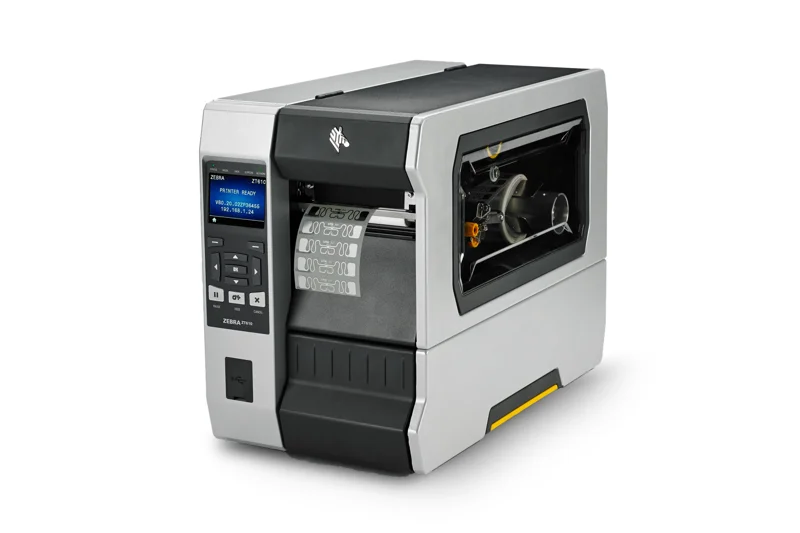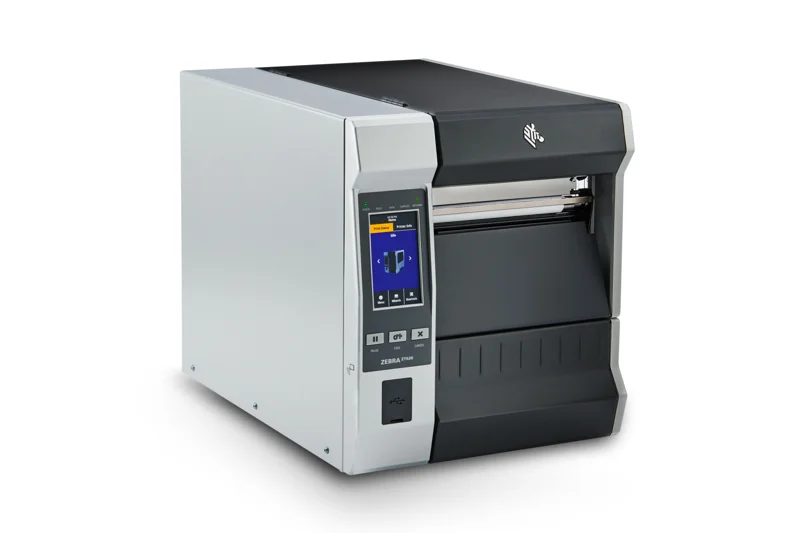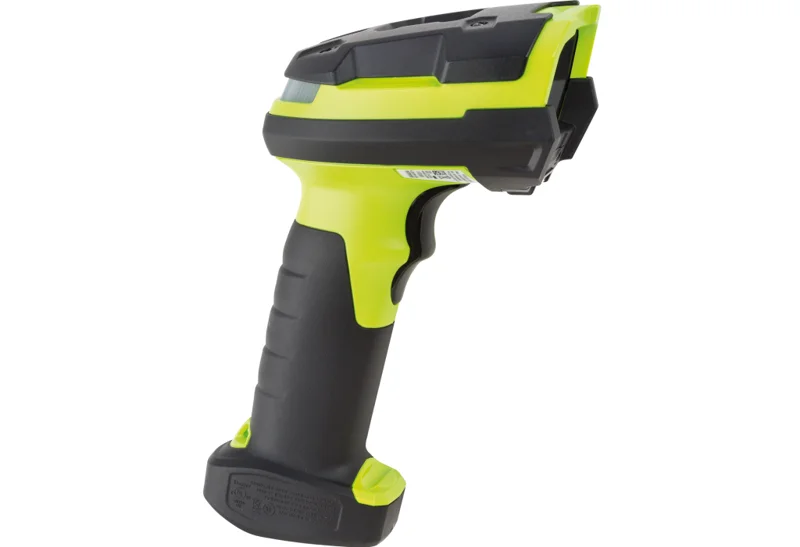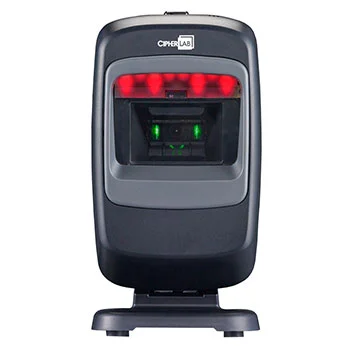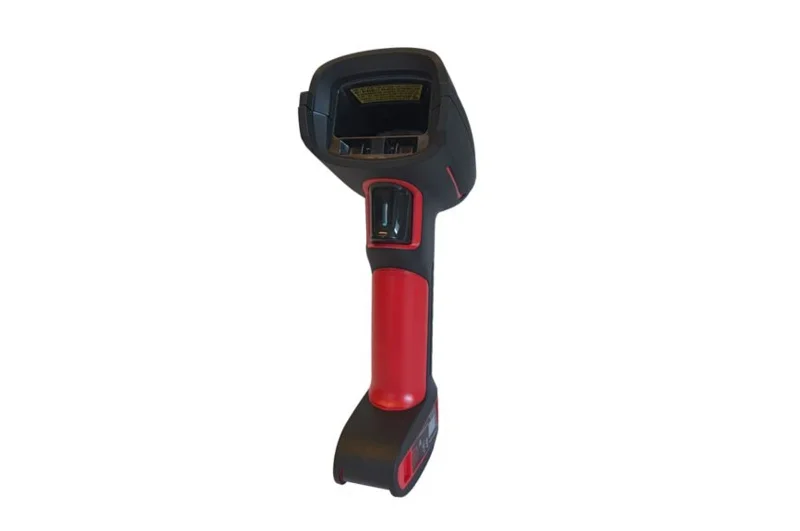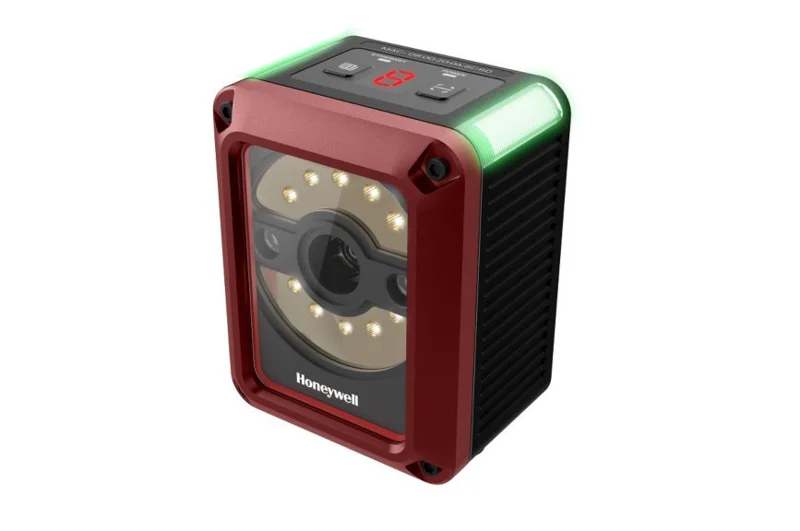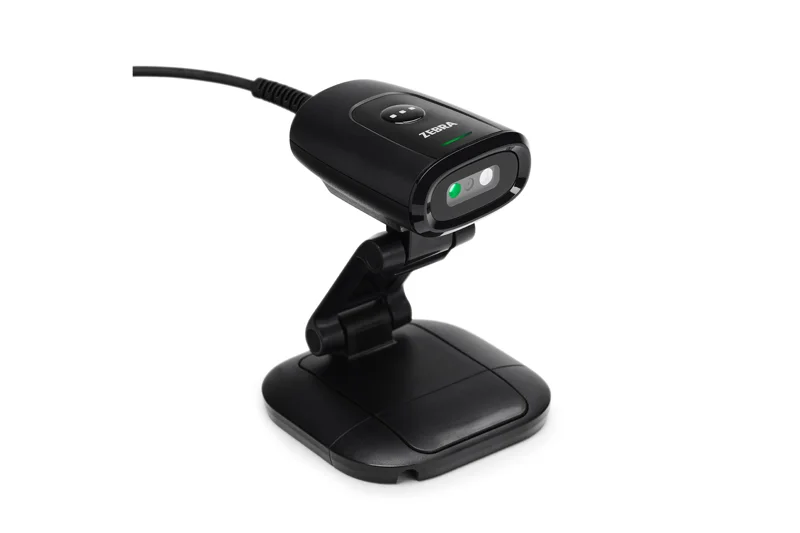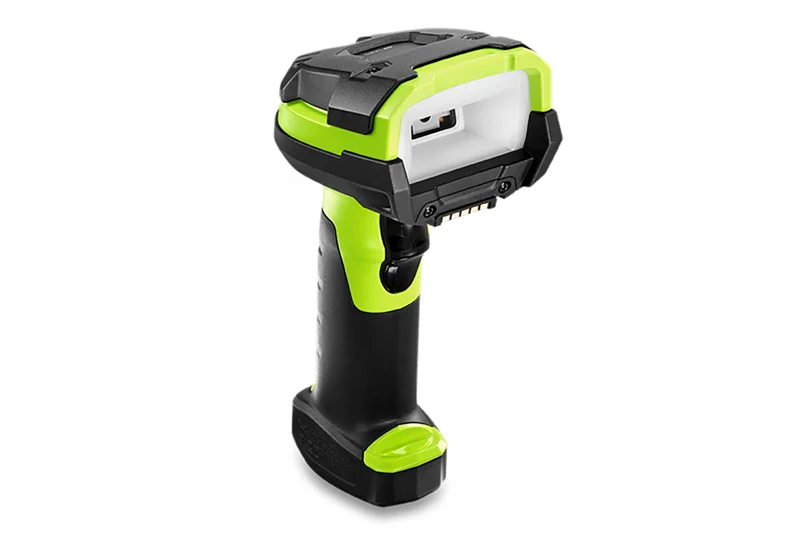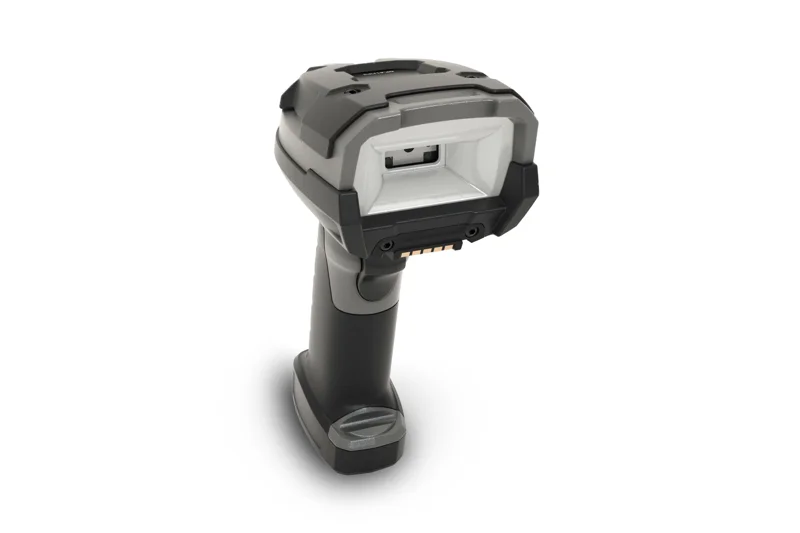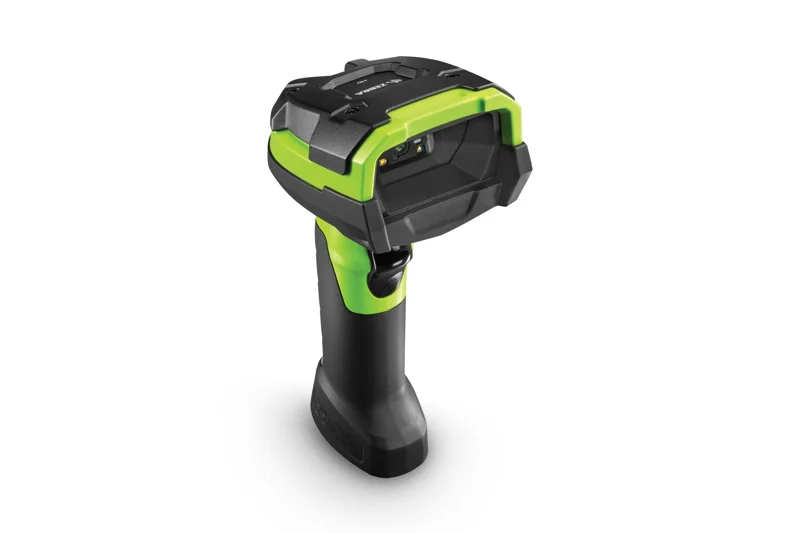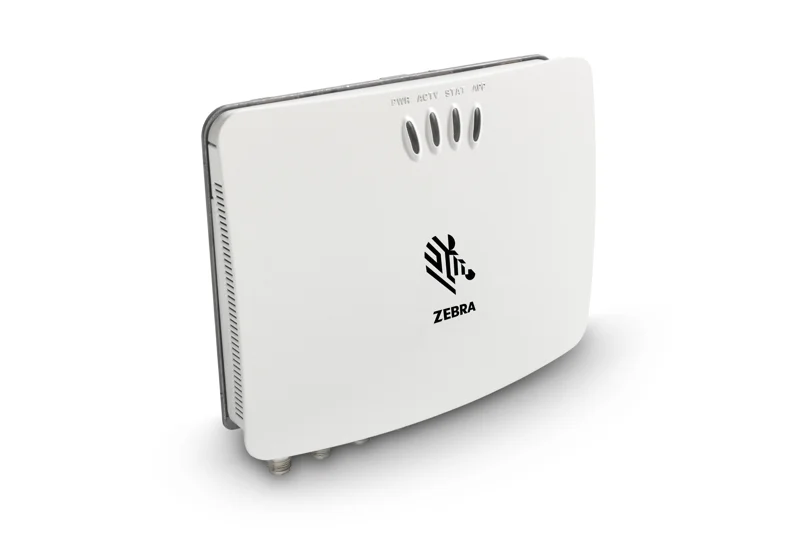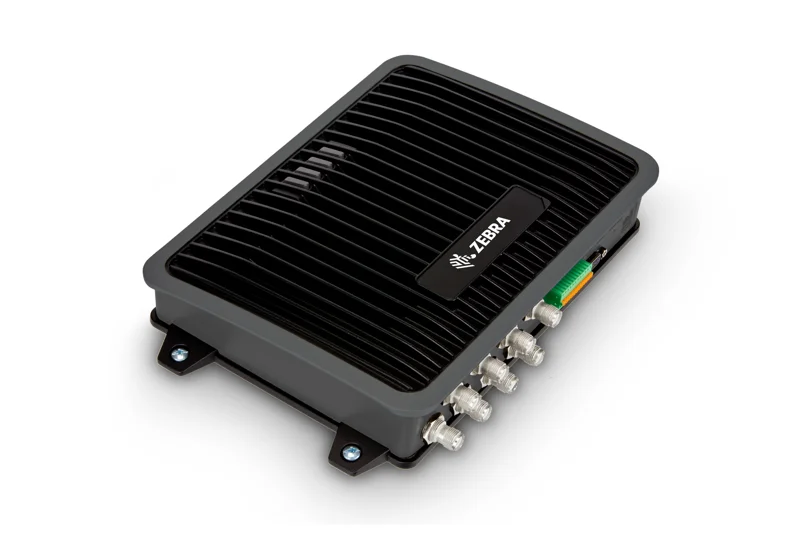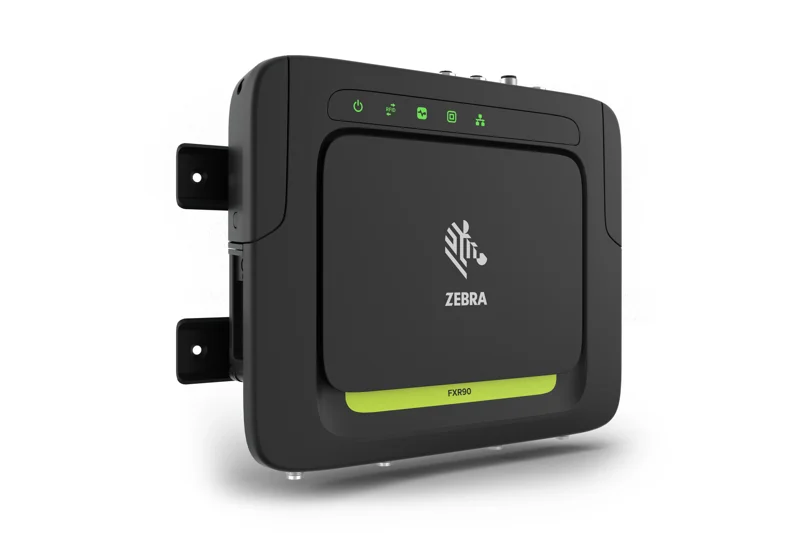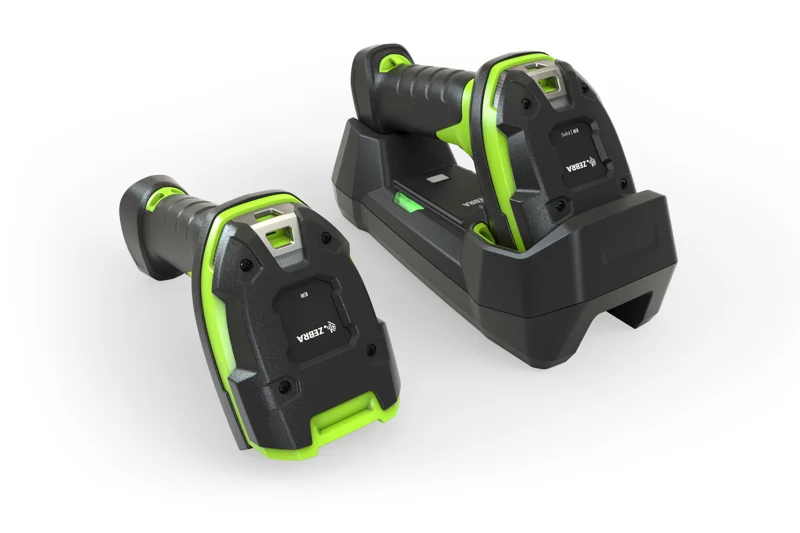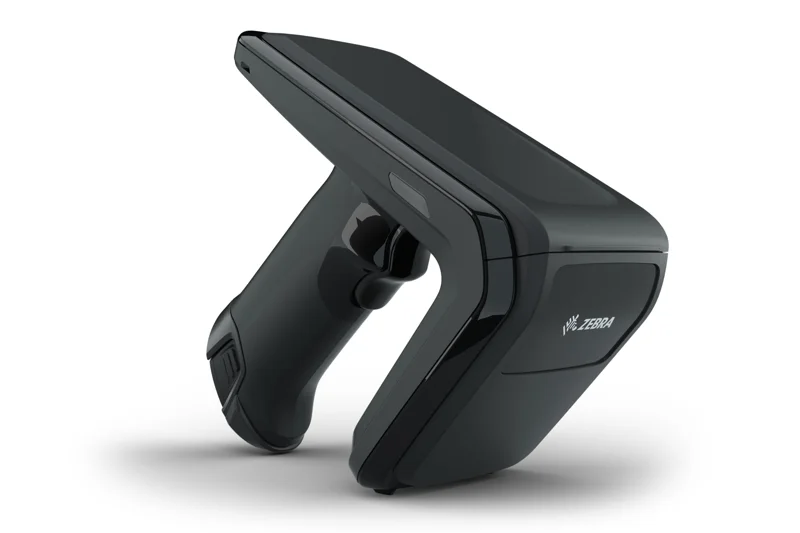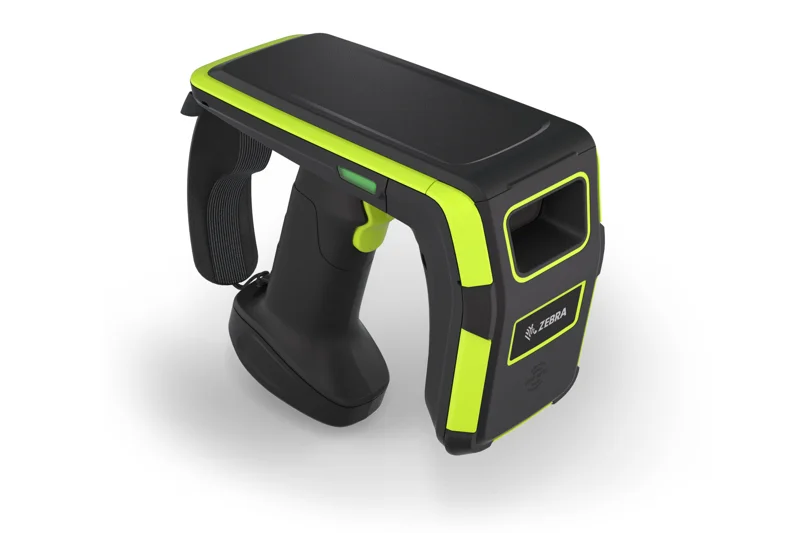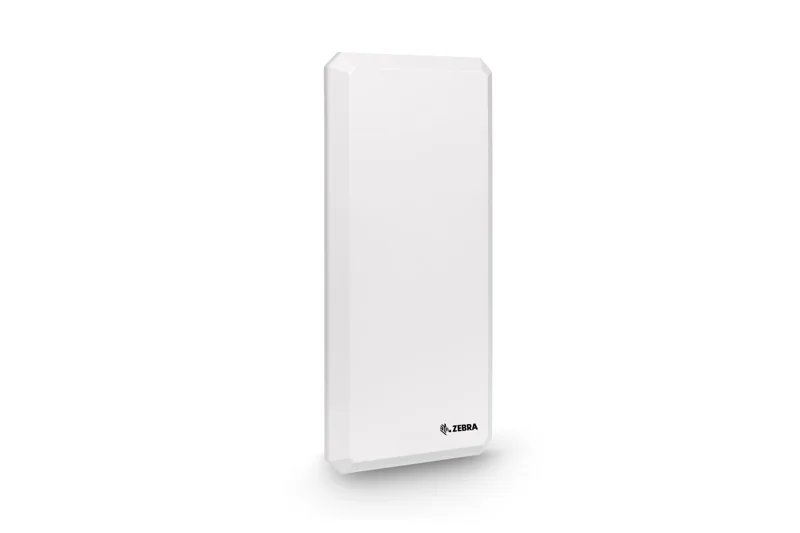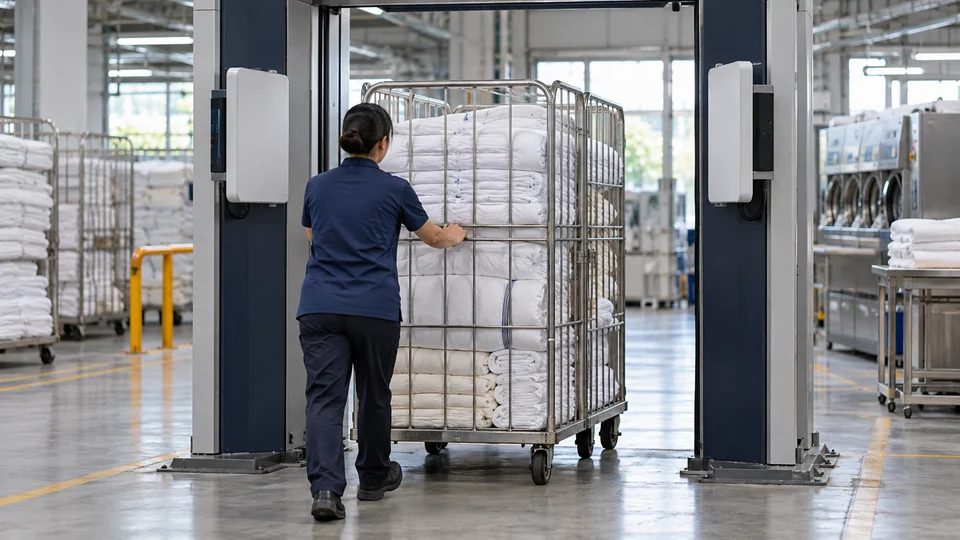
Bulk reading
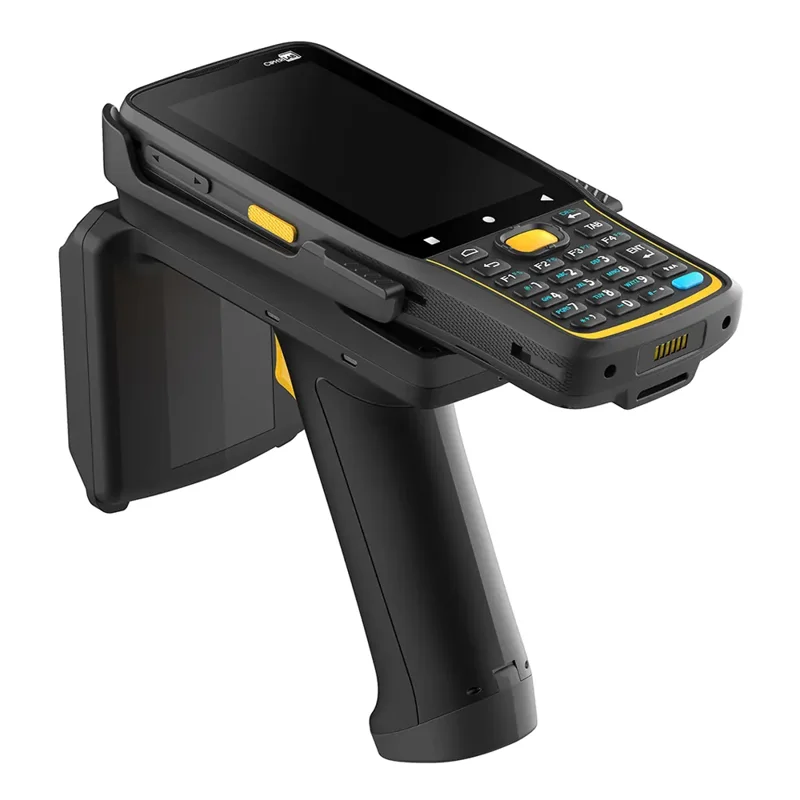
Identify multiple tags within the tested read zone, reducing individual scans.
JUN JIE · Workflows and system integration
JUN JIE plans barcodes, RFID, hardware and software around your operations and assesses existing-system integration. Start with one workflow and expand gradually.
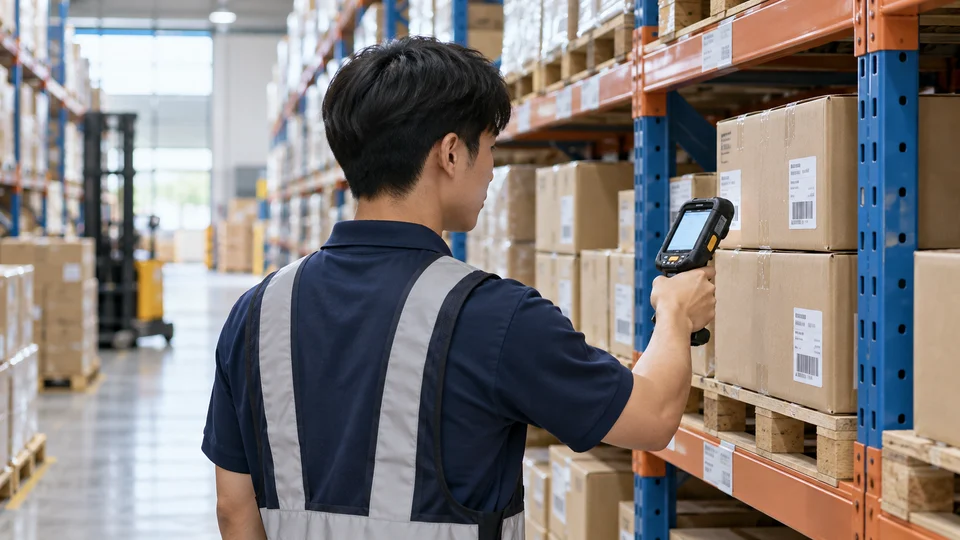
Equipment, RFID, system integration: you can choose just one, or plan them together.
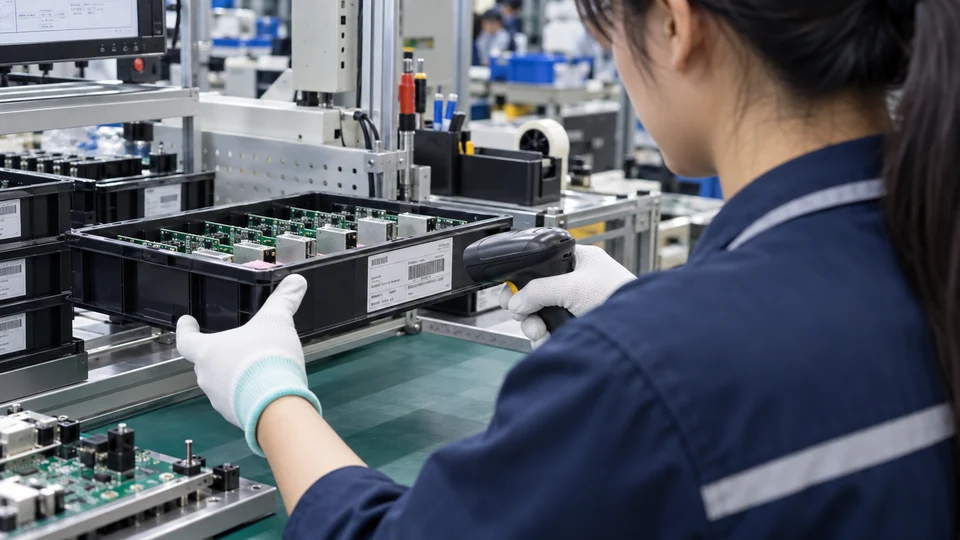
Use barcodes to check items and record work, then assess data exchange with your ERP or warehouse system.
Explore service →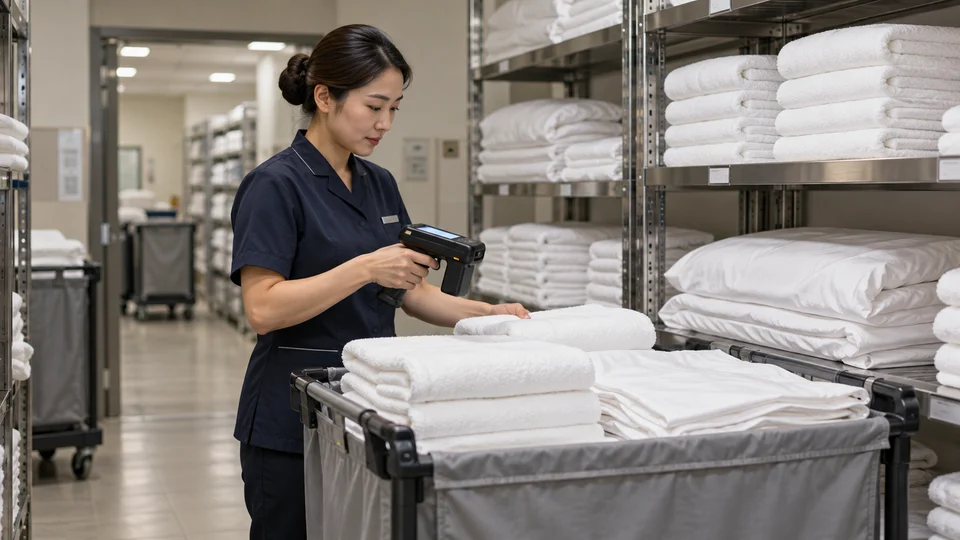
Repeatedly counting linen, assets or containers? Test read performance before planning management workflows.
Explore service →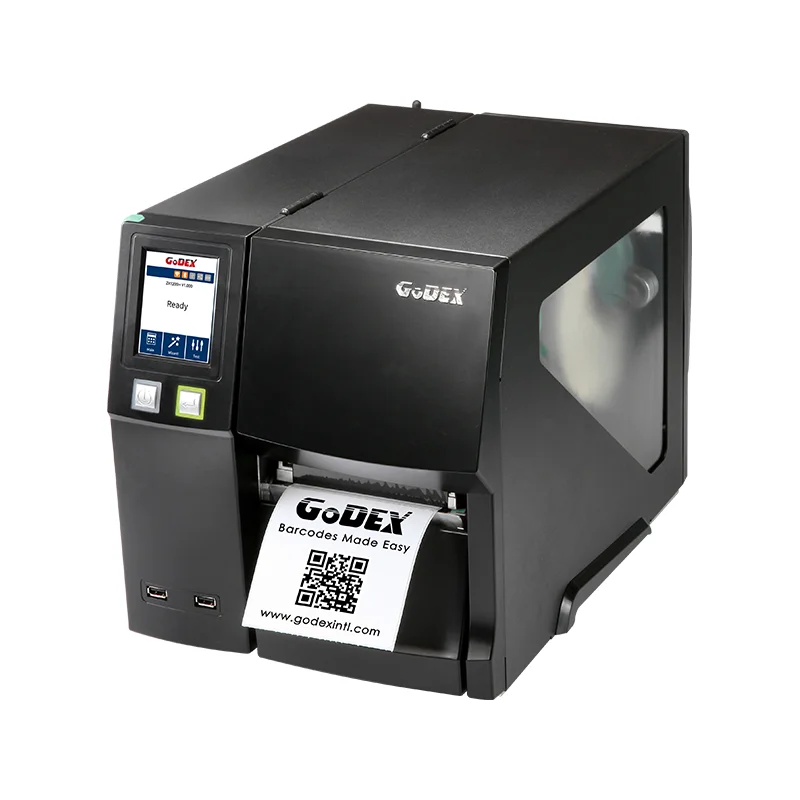
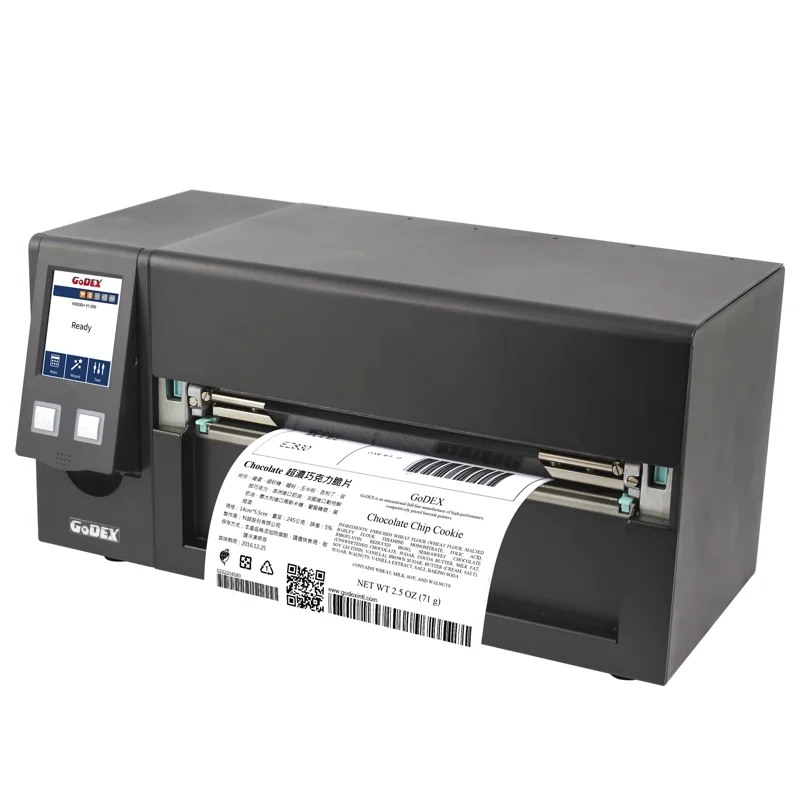
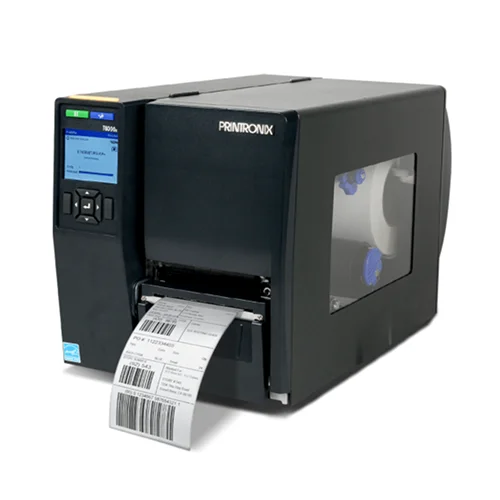
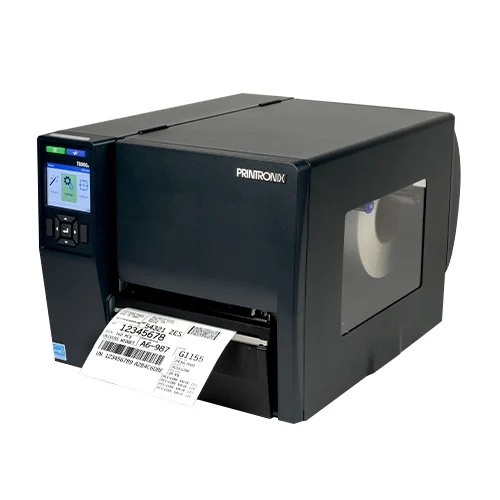
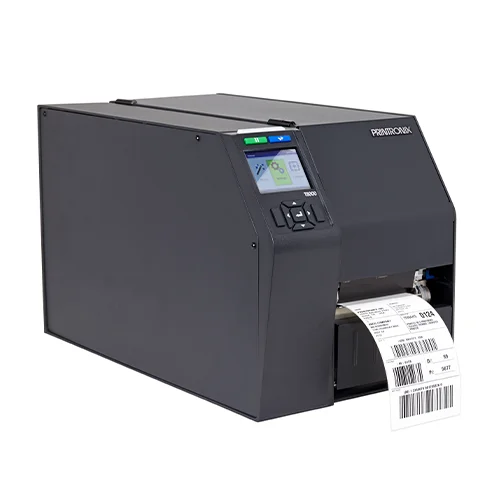
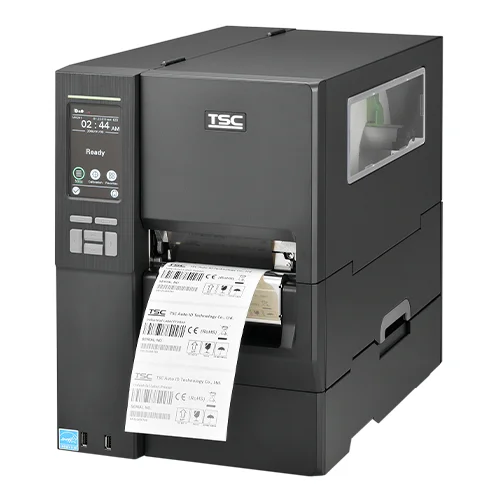
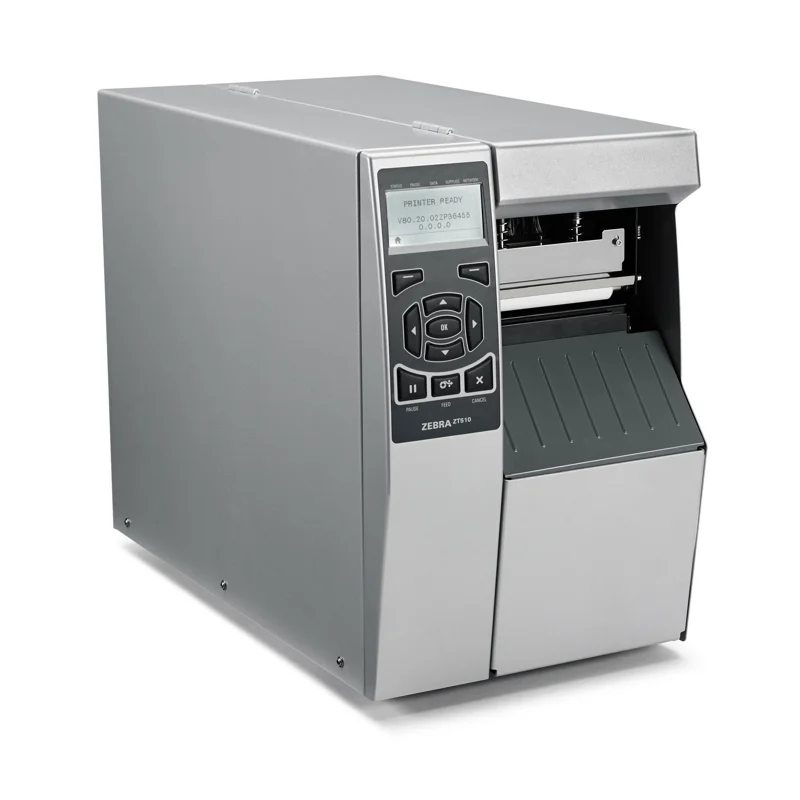
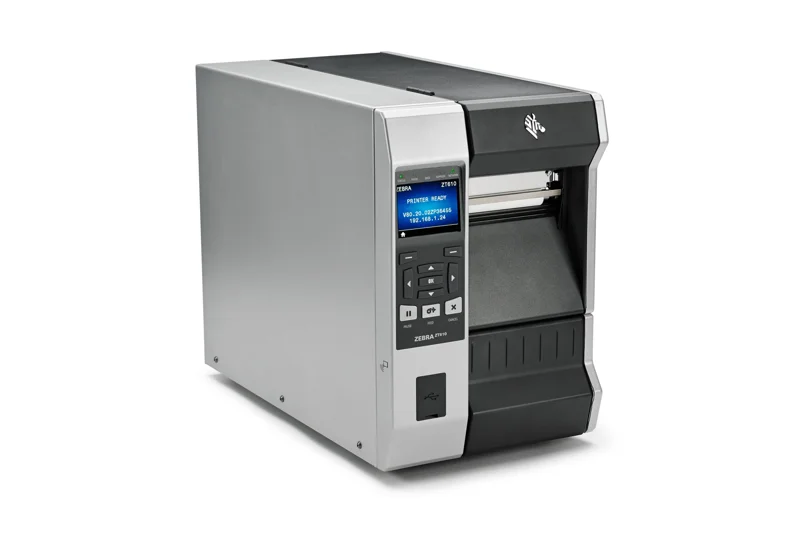
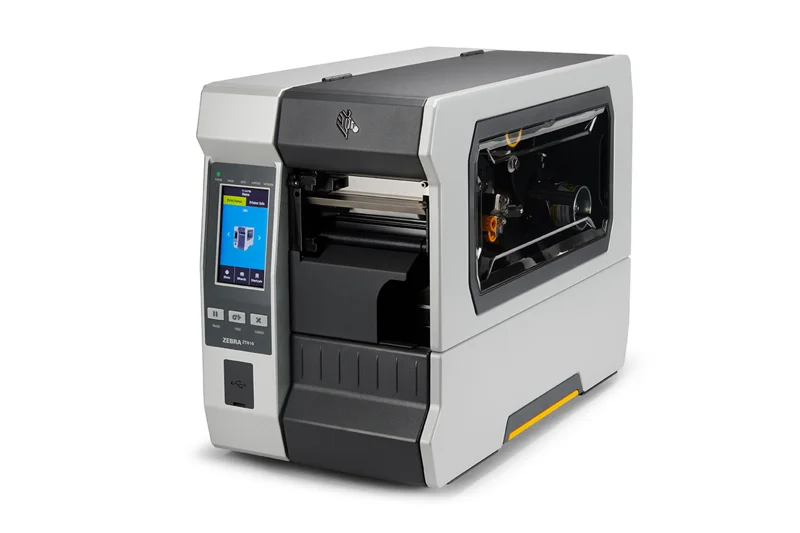
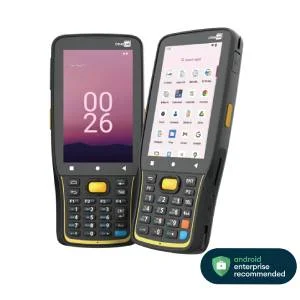
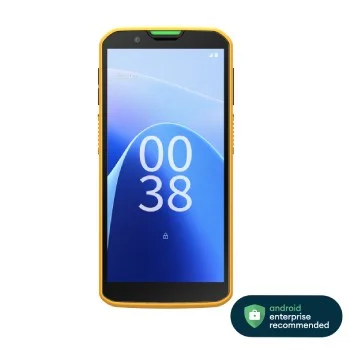
Select printers, scanners and mobile computers for label size, reading distance and work environment.
Explore service →Receiving, shipping and material issues are all written down by hand, then keyed into the system one entry at a time. One wrong digit, and the books no longer match the physical stock.
In warehouses and stores, items are turned over one by one and boxes counted one by one. A count takes a day or two while operations wait, and the numbers still may not be accurate.
Labels are selected and applied by hand, and items are found by hand. When one label is wrong or one item is mispicked, you only find out from the customer complaint, and cannot tell which step went wrong.
To know where a given lot, device or spare part is now and whose hands it has passed through, you have to go through paper records and ask several people.
Record receiving, putaway, picking, shipping and counts by scanning; update stock according to workflow rules.
Work orders, process steps and completion reporting are linked by barcode, so you can look up which batch is at which station and who did the work.
Linen, assets, finished goods and medical supplies are read in bulk, with no need to handle them one by one.

Assess ERP, warehouse or e-commerce interfaces to connect orders, printing and scan results.
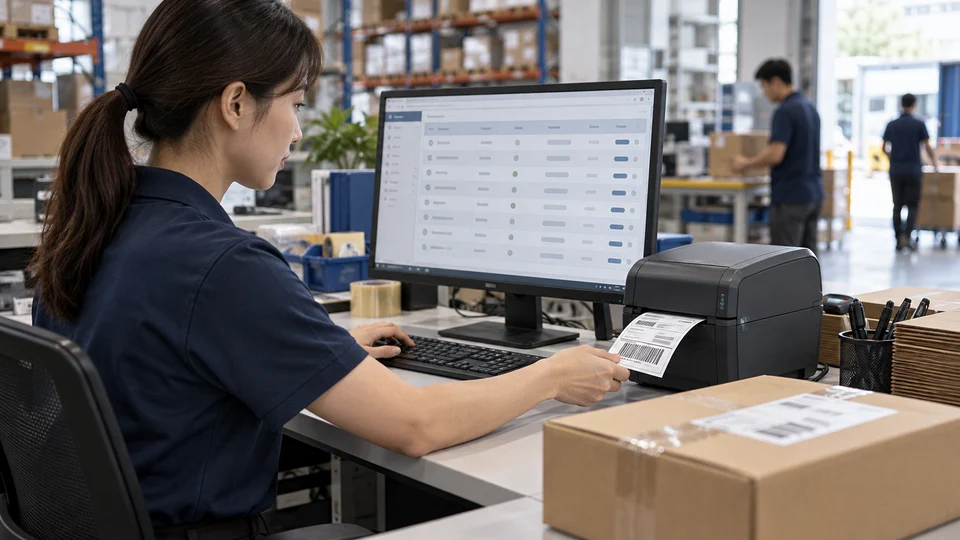
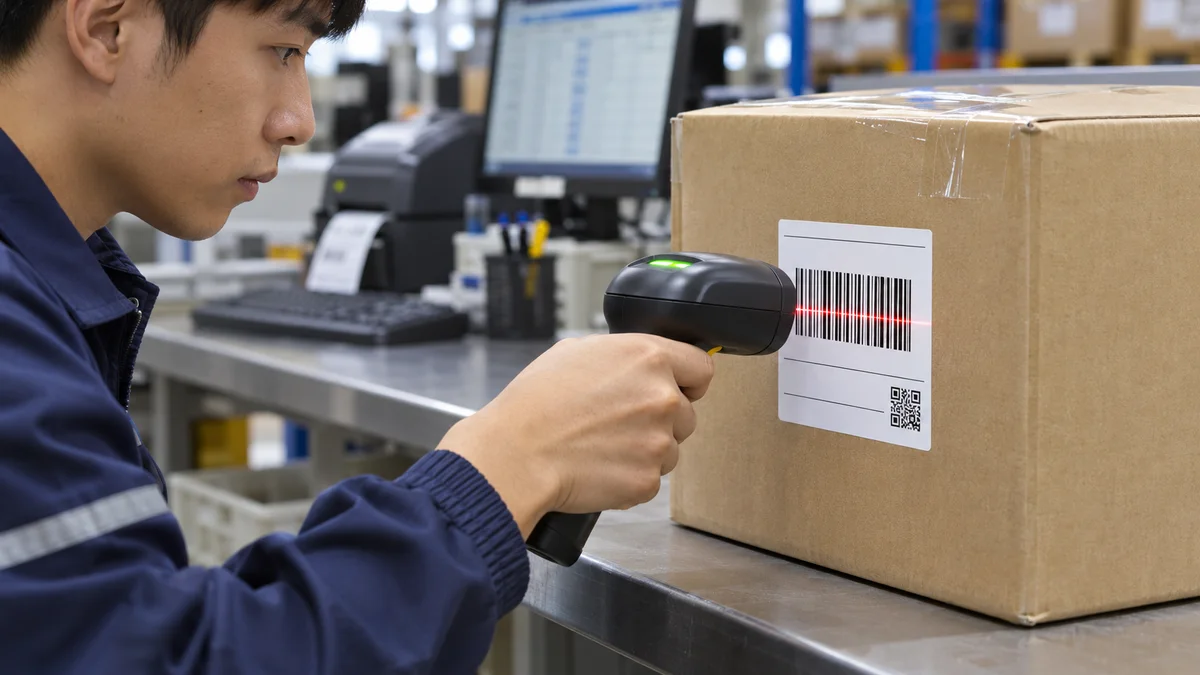
Orders, products or asset data
Scan items and record quantities
Review mismatched items before proceeding
Keep operator, time and operation records
Features and interfaces are confirmed against the site workflow and project scope.
Identify multiple tags within the tested read zone, reducing individual scans.
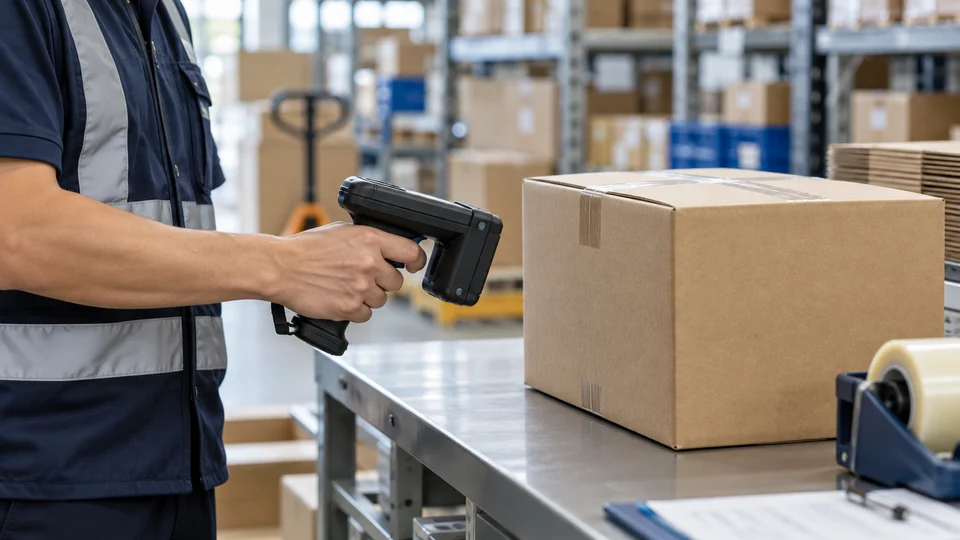
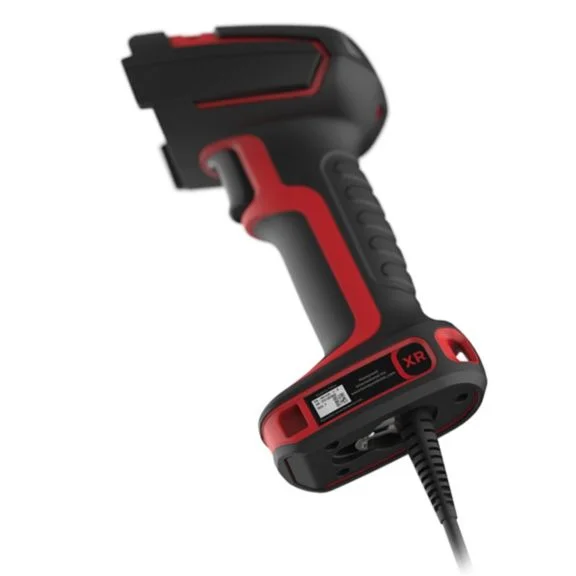
No need to aim at each barcode. Materials, placement and environment affect performance; sample testing is required.
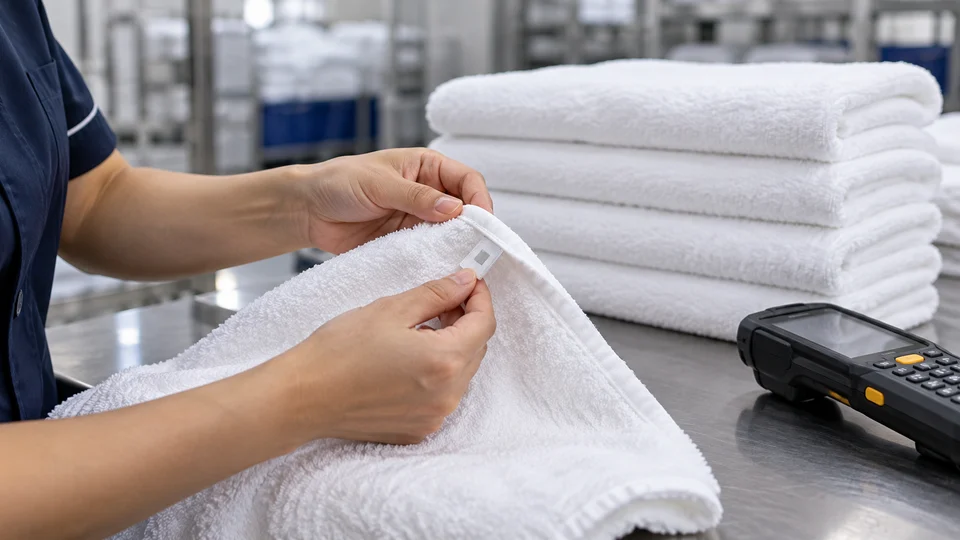
Each tag has a unique number, so even ten bed sheets of the same style can be told apart, and you can record how many times each has been washed and where it is now.
Read performance is tested with actual materials, tag placement and site conditions. Images illustrate application scenarios.
Bed sheets and bath towels move between guest rooms, the laundry and storerooms. They are counted in bulk when sent out and returned, and each item's wash count is recorded.

Tag computers, instruments, fixtures and equipment, then walk around once with a handheld reader to complete the count and see at a glance what is missing.
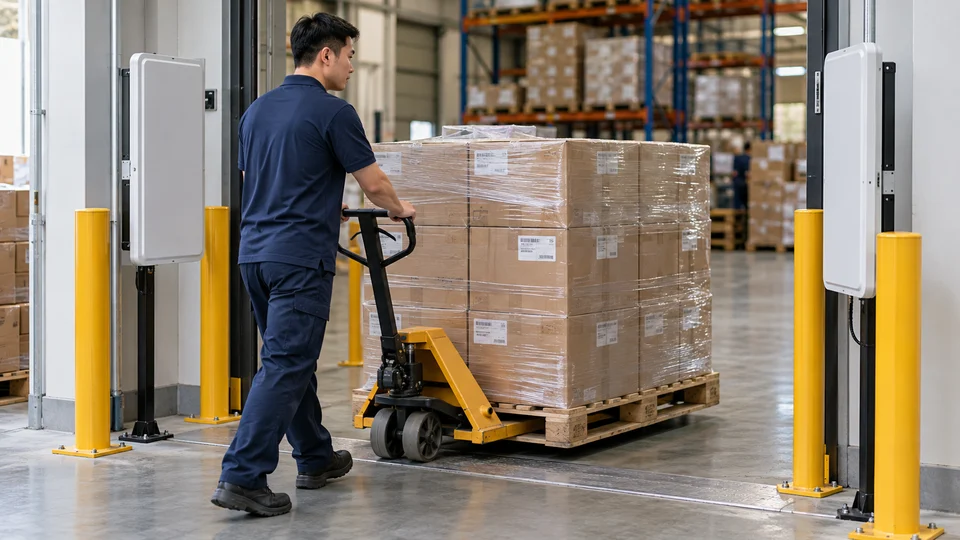
Pallets and totes are recorded automatically as they pass the reader at the door, with no need to scan box by box.
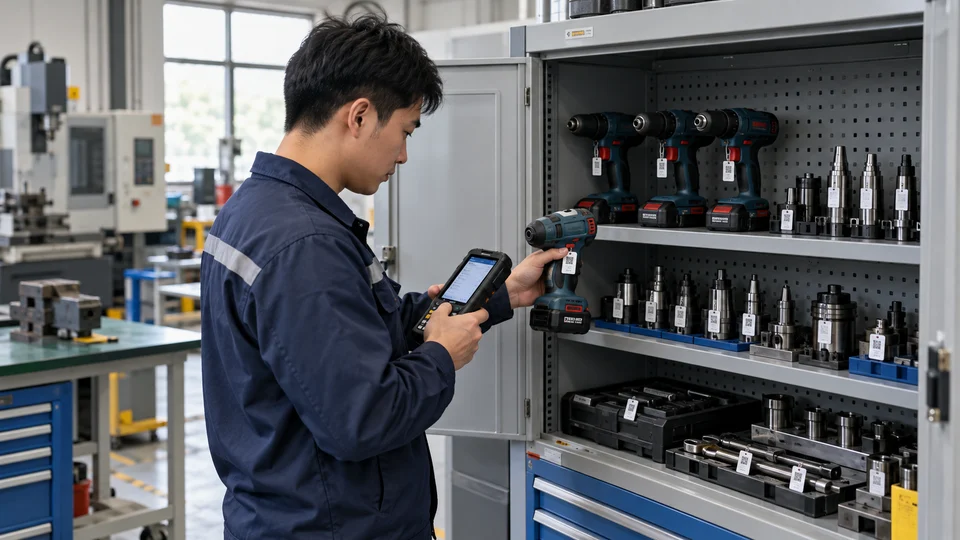
Who borrowed it, when it was returned and which cabinet it is in are recorded automatically at check-out and return.

Apparel, footwear and other goods carry RFID hang tags. Walk along the shelves once with a handheld reader to count stock, and replenish and find items faster.

Tags are attached to or sewn into instrument trays, medical devices and ward linen to record location, use and wash counts.
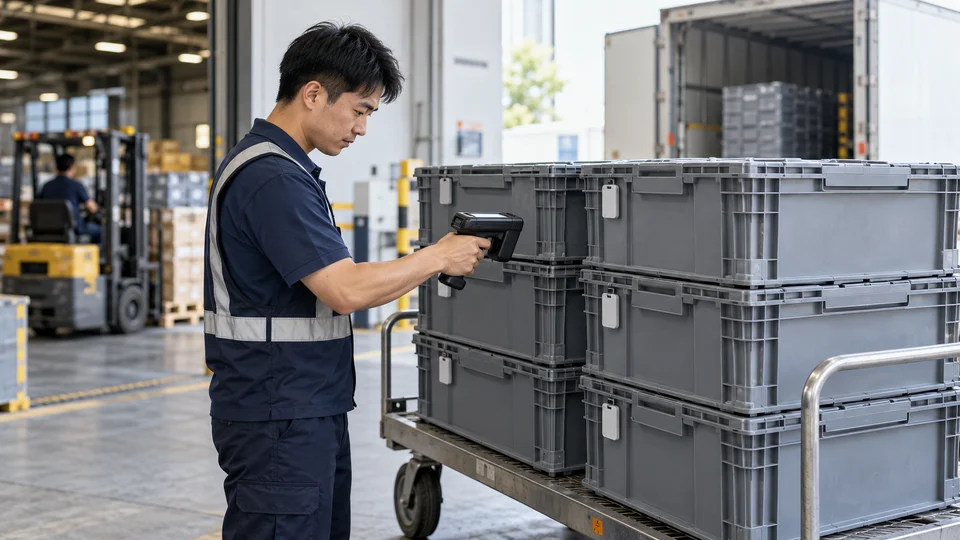
Reusable containers such as totes, roll cages and pallets are recorded automatically on the way in and out, so you know how many are out and at which site.
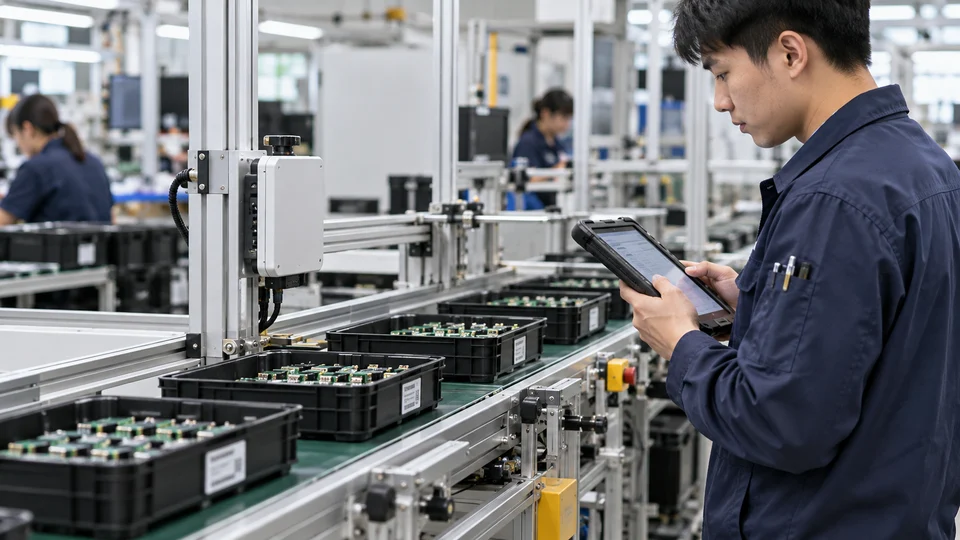
Carriers or workpieces carry tags past the read points at each station, so progress is recorded automatically, with no manual scanning station by station.
From equipment to systems, done by one team.
Good system integration takes more than software; it takes knowing the floor. We have long worked on the front line implementing barcode printers, scanners and mobile computers. The factories, warehouses and stores we have walked through, the processes we have seen, and the cases of “why won't this label print” that we have handled were all built up on site, one device at a time.
So we know which approaches work in a presentation but not on the floor; where a label will be wiped off by oil, at which angle a scanner cannot read, and whether a mobile computer's battery will last a full shift. This experience often decides whether an implementation project succeeds.
For model comparisons, supplies and label printing, visit Barcode PLUS.
Barcode PLUS is JUN JIE's equipment and application website. One team helps from model selection and label printing to system integration.






The questions we are asked most often before implementation.
Look at the smallest text and barcode on the label. 203 dpi is enough for typical shipping labels; choose 300 dpi if there is small text, small barcodes or QR Codes; 600 dpi is only needed for very small labels such as those for electronic components and jewelry.
This is a matter of label material, not the printer. There are matching labels and ribbons for freezing, high temperatures, oil and outdoor use. It depends on the surface the label goes on and the environment; with the right material, labels will not fall off or smear.
ERP manages accounting and orders; WMS manages the warehouse floor: which storage location each item is in, who picked it and when it shipped. With many items, many storage locations and frequent shipments, a WMS keeps system inventory consistent with the floor. For smaller operations, barcodes plus ERP can come first, with an upgrade later.
In most cases yes, through an interface, but it depends on the ERP version and how open it is. During the on-site assessment we look at your ERP with you and confirm how data goes in and comes out.
Yes. Most industrial printers support network printing and common printer languages, so your system can send label data directly through an API or a print service; scan and inventory count results can also be sent back to your system. It depends on what formats your system can send and receive, which we confirm together during the on-site assessment.
Yes, you can. We usually start with the stage that causes the most trouble, such as receiving or shipping, and extend to the next stage once it is running smoothly.
It depends on the scope. A single process (for example, receiving or shipping) is usually counted in weeks; multiple processes plus system integration are counted in months. After the on-site assessment we provide a schedule.
Equipment, label supplies, software and implementation services are quoted as separate items, so you can see every one. The cost is calculated from the quantities and scope at your site; it is not a package price.
RFID tags cost more than barcodes. They suit situations with repeated inventory counts, large quantities, or items that are hard to pull out one by one. Many sites use barcodes and RFID together, each where it fits best.
The same team supports you: you can come to us for process adjustments, label changes, and questions about equipment and consumables.
Tell us about your site and the problem you want to solve. Once implementation is confirmed to be a good fit, we arrange an on-site assessment to see which stage is most worth doing first.
Ask about system implementation →